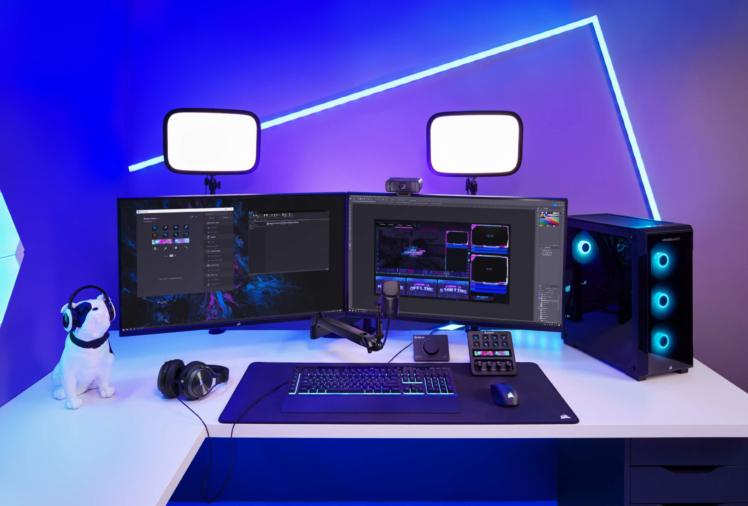
If you’ve ever fumbled through keyboard shortcuts mid-stream or clicked the wrong OBS (Open Broadcast System) scene while live… you already know the pain.
Modern content creation is exciting, but it’s also chaotic. Switching scenes in OBS, muting Discord, launching apps, triggering overlays, adjusting audio, posting chat links all while trying to look calm on camera.
That’s exactly why the Elgato Stream Deck has become one of the most popular tools for streamers, YouTubers, podcasters, and online entrepreneurs.
But is the Elgato Stream Deck actually worth it in 2026?
Or is it just another flashy gadget on Amazon?
In this detailed review, we’ll break down:
- What the Elgato Stream Deck does
- Who it’s best for
- Key features & real-world use cases
- Pros and cons
- Whether you should buy it
Let’s dive in.
What Is the Elgato Stream Deck?

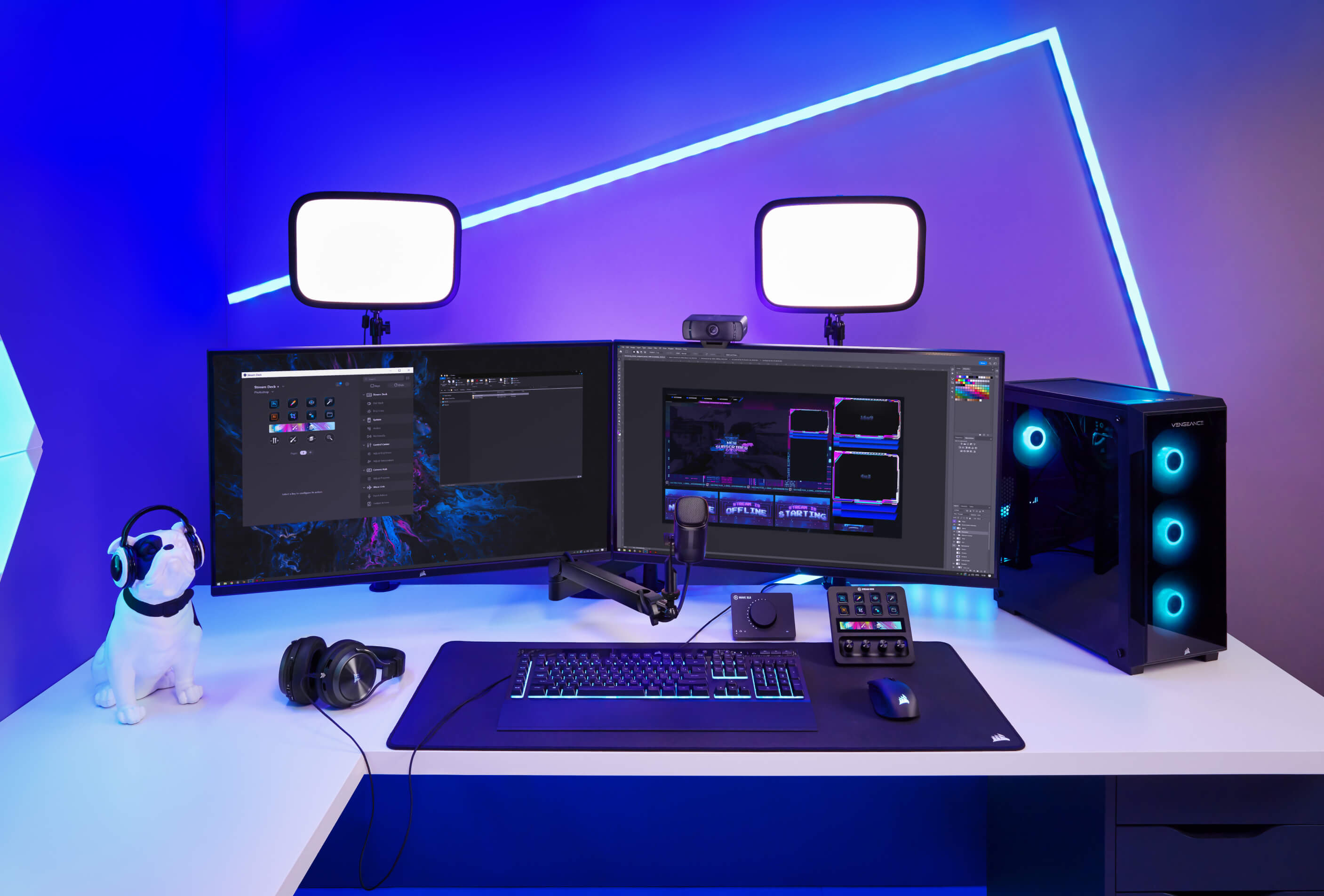
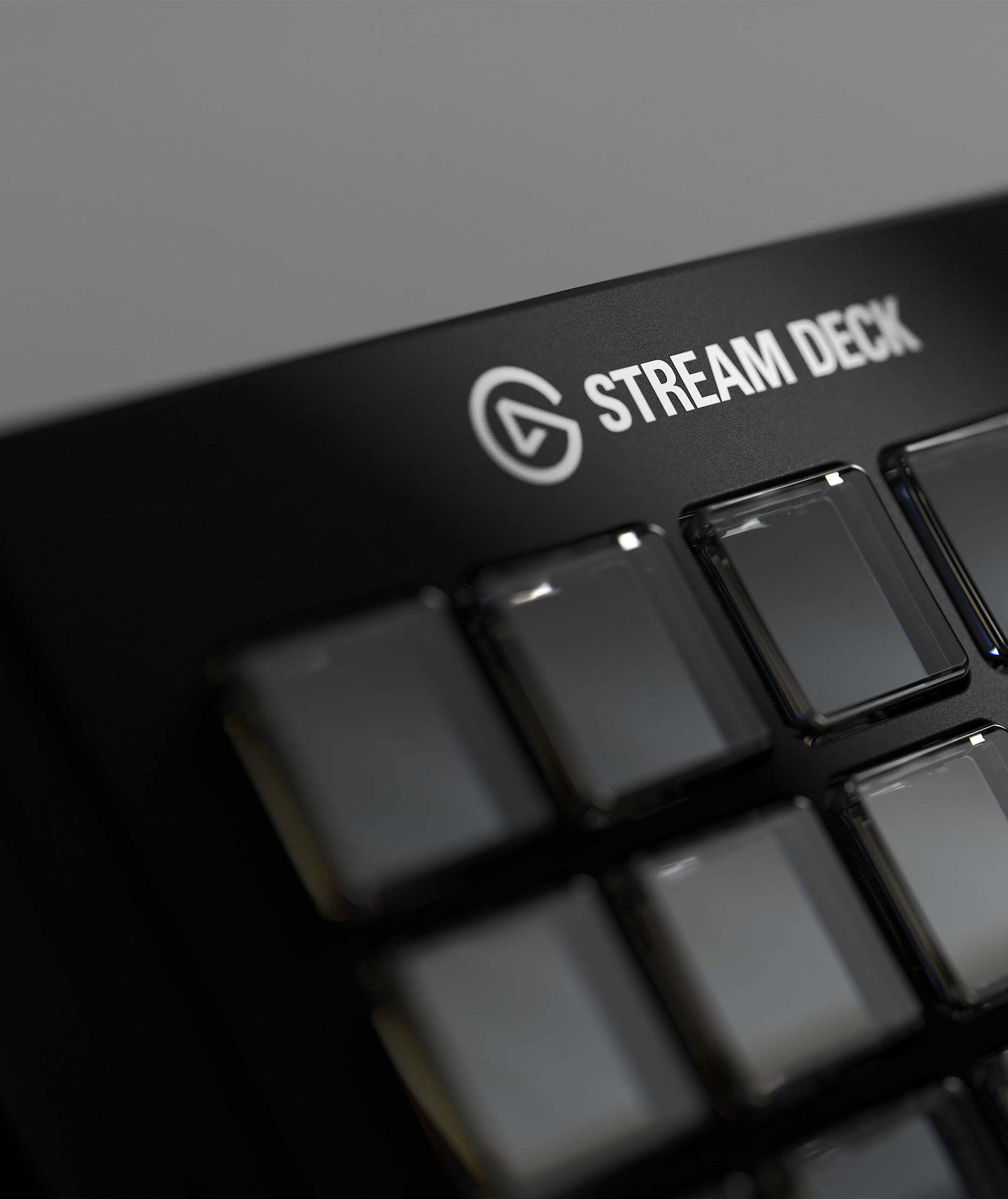
The Elgato Stream Deck is a customizable control pad with programmable LCD keys that trigger actions with a single tap.
Instead of memorizing keyboard shortcuts, you press a visual button.
Each key can:
- Switch OBS scenes
- Control Twitch or YouTube streams
- Adjust audio
- Launch apps or websites
- Trigger sound effects
- Run multi-step automations
- Control smart home devices
- Execute macros
Think of it as a command center for your entire digital workflow.
👉 Check the latest price and available models on Amazon here.
Who Is the Elgato Stream Deck For?
The Stream Deck isn’t just for Twitch streamers anymore. It’s ideal for:
Streamers & YouTubers
Control OBS scenes, transitions, overlays, alerts, and chat commands without leaving your camera frame.
Podcasters
Trigger intro music, sound effects, and recording shortcuts instantly.
Online Coaches & Webinar Hosts
Seamlessly switch between slides, camera, screen share, and branding overlays.
Remote Professionals
Launch workflows, paste templates, open apps, and automate repetitive tasks.
If your work involves switching between tools while presenting or creating — this device can dramatically reduce friction.
👉 See if the Stream Deck fits your setup on Amazon.
Key Features of the Elgato Stream Deck
1️⃣ Customizable LCD Keys
Each key is a tiny screen. You can:
- Add custom icons
- Create folders
- Change layouts
- Assign multi-actions
You’re not stuck with generic buttons — everything is visual and intuitive.
2️⃣ Seamless OBS Integration
If you’re searching for “Elgato Stream Deck for OBS,” this is where it shines.
It integrates directly with:
- OBS Studio
- Streamlabs
- Twitch
- YouTube
- Zoom
- Discord
- Spotify
- And hundreds of plugins
Scene switching becomes instant and error-free.
No more frantic mouse movements mid-stream.
👉 View compatible versions on Amazon before choosing your model.
3️⃣ Multi-Action Automation
This is where it goes from “cool” to “powerful.”
With one press, you can:
- Switch scenes
- Turn on your key light
- Mute your mic
- Play intro music
- Post a chat message
All at once.
For creators serious about professionalism, this feature alone justifies the investment.
4️⃣ Different Models Available
On Amazon, you’ll find multiple versions:
- Stream Deck Mini (6 keys)
- Stream Deck MK.2 (15 keys – most popular)
- Stream Deck XL (32 keys – power users)
If you’re just starting, the 15-key MK.2 is typically the sweet spot.
👉 Compare the different Stream Deck models here on Amazon.
Real-World Benefits
Here’s what changes after using the Stream Deck:
✔ Smoother streams
✔ Fewer mistakes
✔ Faster workflow
✔ More confidence on camera
✔ More professional presentation
✔ Reduced mental load
Instead of thinking about how to run your stream, you focus on your content.
And that’s huge.
Pros and Cons
✅ Pros
- Extremely easy to set up
- Highly customizable
- Deep OBS and platform integrations
- Saves time immediately
- Great build quality
- Regular software updates
❌ Cons
- Not cheap
- Requires initial setup time
- Can be overkill for very casual users
If you only stream once a month for fun, it might not be essential.
But if content creation is serious for you — it quickly becomes indispensable.
Is the Elgato Stream Deck Worth It?
Short answer:
Yes — if you value efficiency, professionalism, and growth.
The Elgato Stream Deck isn’t just a streaming accessory. It’s a workflow upgrade
If you’re:
- Growing a YouTube channel
- Streaming regularly on Twitch
- Running webinars or live trainings
- Building a personal brand
- Monetizing content
Then the Stream Deck pays for itself in smoother production and saved time.
👉 Check current pricing, bundles, and reviews on Amazon.
Final Verdict: Should You Buy the Elgato Stream Deck?
If you’re tired of juggling shortcuts and breaking flow during live content, the Elgato Stream Deck is one of the smartest upgrades you can make.
It turns complexity into simplicity.
And when your workflow feels effortless, your content improves.
That’s the real value.
Disclaimer: Links to this post are affiliate links to Amazon.com, if you make a purchase through any of our links, we will make a small commission.